Fractal Outliner

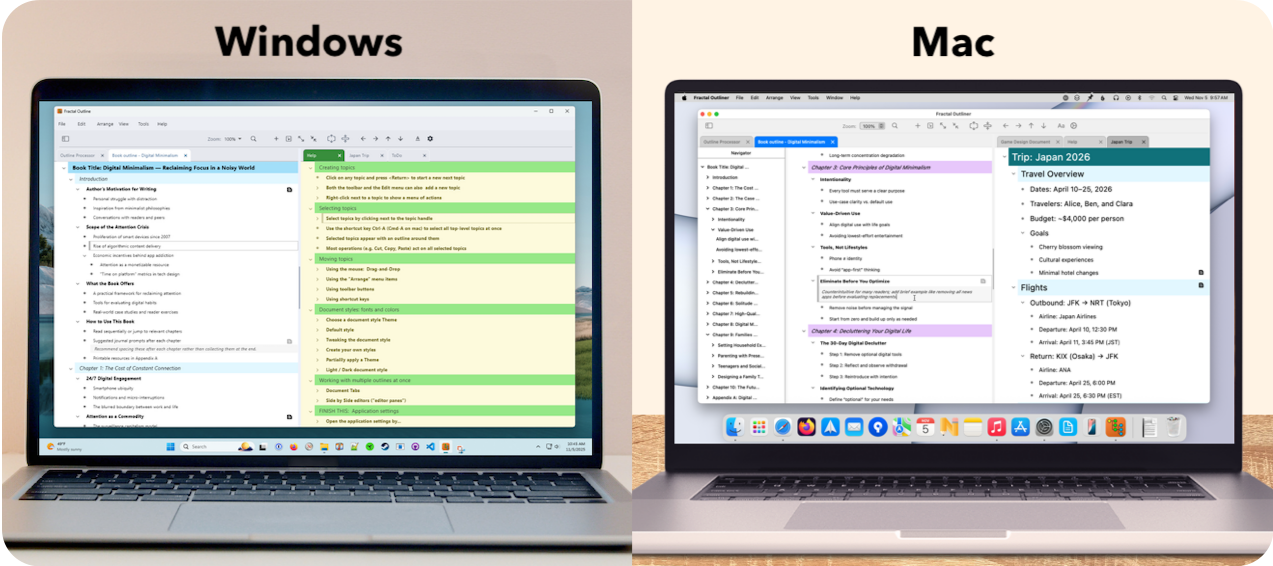
Fractal Outliner on Windows and Mac

A text-first outliner for people who think in structure.

Plan, organize, and evolve complex ideas using topics and subtopics — without fighting formatting, layout, or visual clutter.

Launch Timeline:    Public Release March/April 2026,  Early Access Now

Most writing and note-taking tools prioritize presentation: fonts, styles, layouts, and visual polish.

That works well when the document is finished. It works poorly when the thinking is still in progress.

Fractal Outliner is built around a different priority: structure first, content second, style by user preference.


Languages:    UK English     ES Español     DE Deutsch     JP 日本語

Feature Screenshot

Fractal Outliner is especially useful if you...

  • Think in outlines, trees, or hierarchies
  • Maintain living documents that evolve over time
  • Want a tool that adapts to your workflow instead of imposing one
  • Work across platforms and want consistency

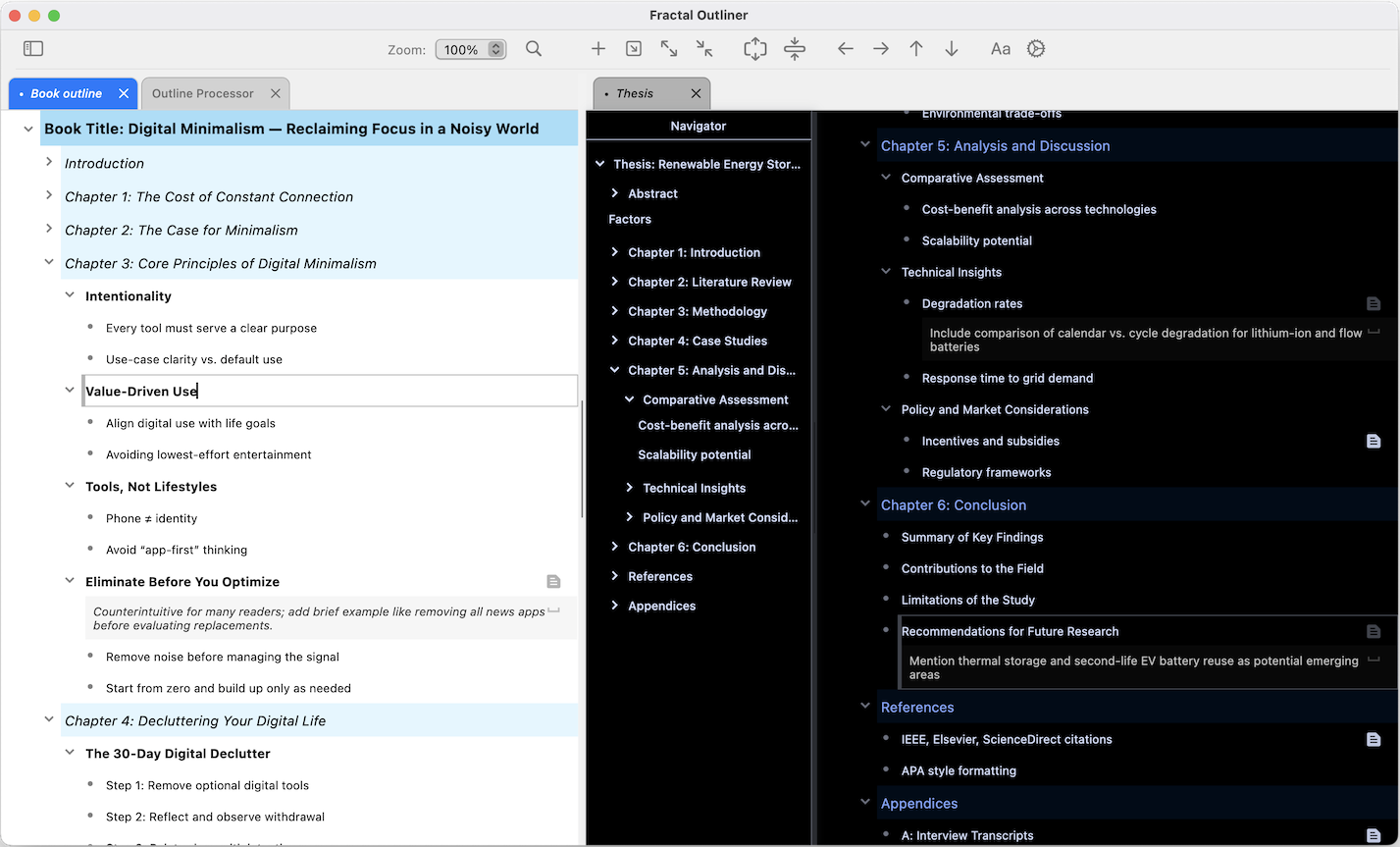
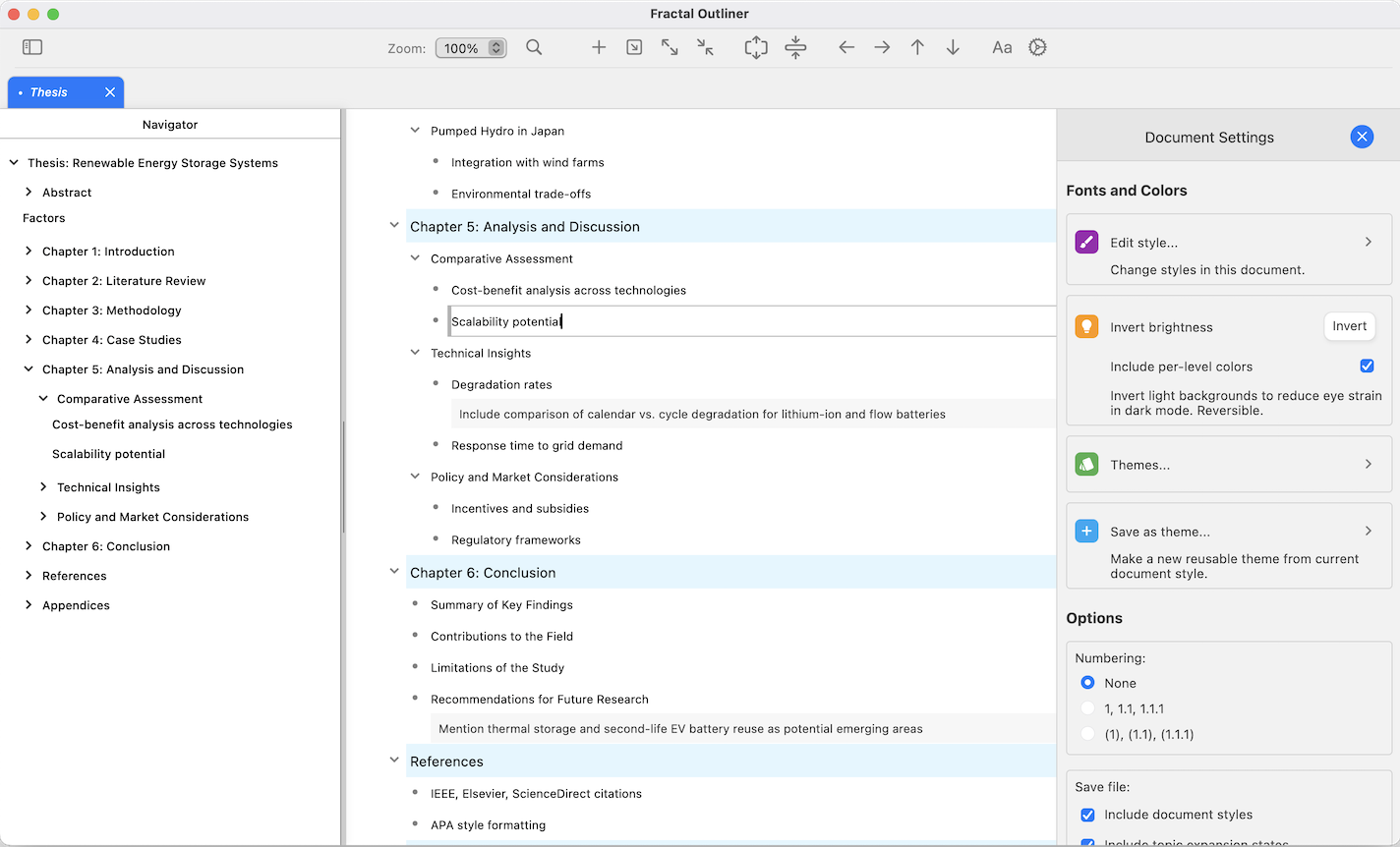
Topic-based outlining

Create topics and nest subtopics to reflect how your ideas are structured. Large documents remain navigable because structure—not formatting—does the work.
Feature Screenshot
Feature Screenshot

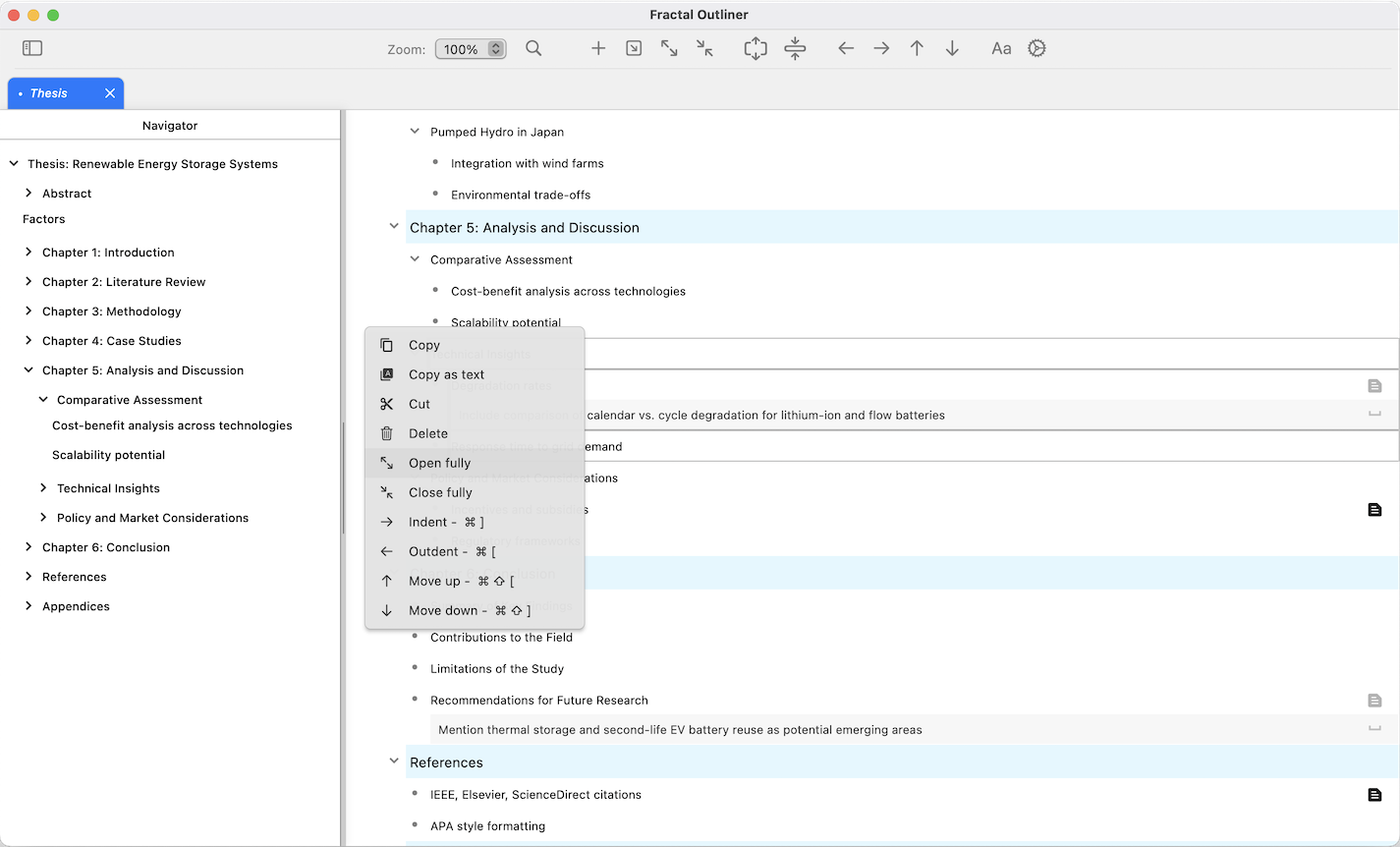
Fast reorganization

Rearrange ideas as they evolve. Move topics, promote or demote sections, and reshape outlines without rewriting content.

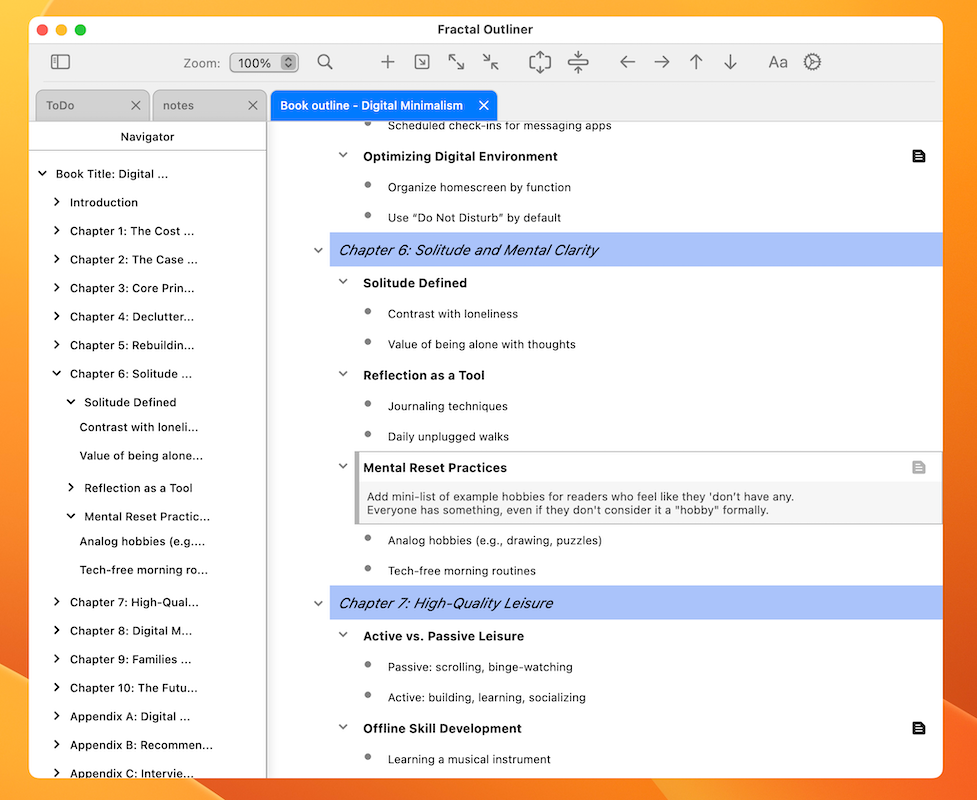
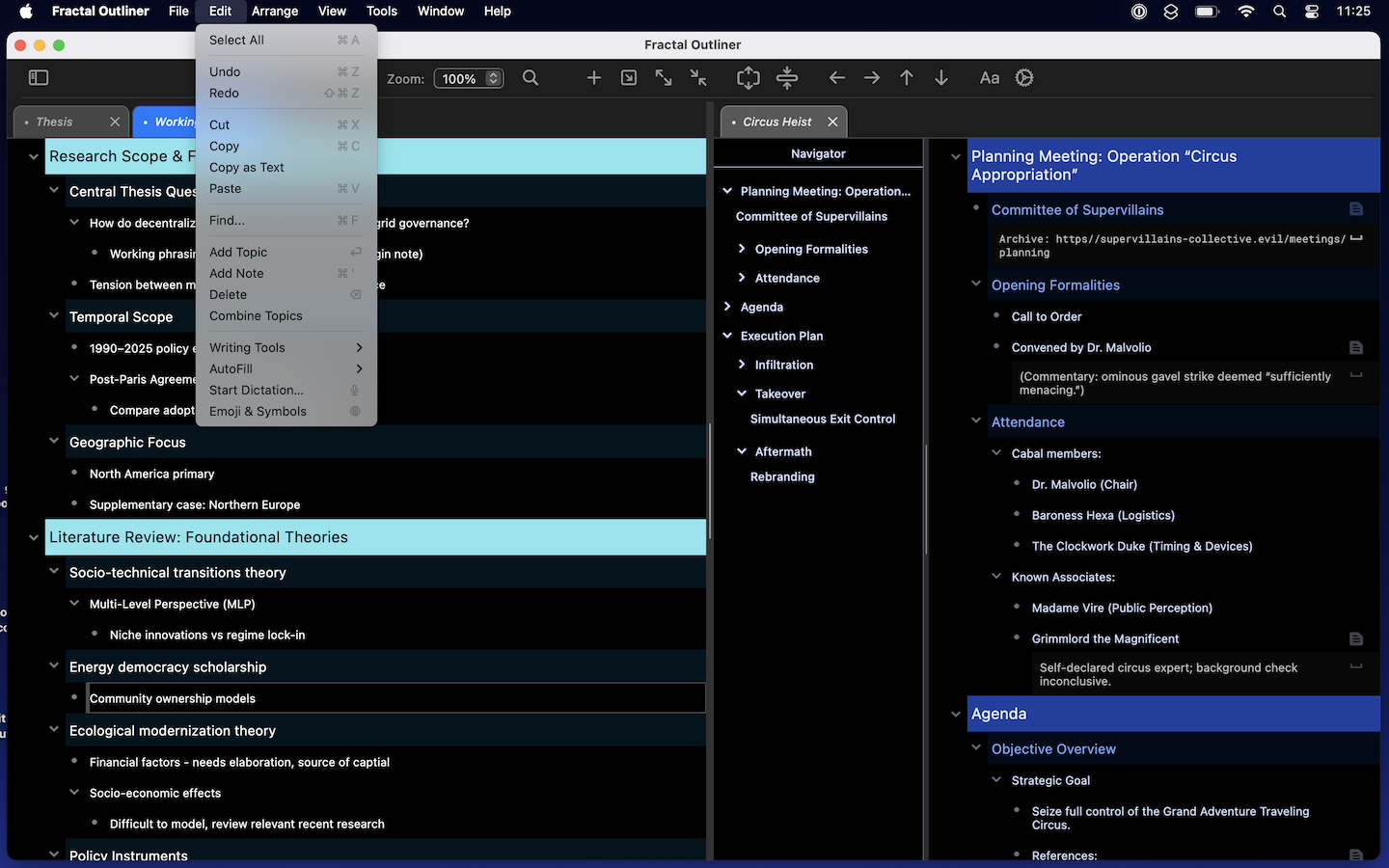
Notes attached to structure

Add notes to any topic without breaking the outline flow. Keep supporting detail where it belongs, attached to the ideas.
Feature Screenshot
Feature Screenshot

Focus and clarity

Expand and collapse sections to concentrate on the part you’re working on now. Hide complexity until you need it.

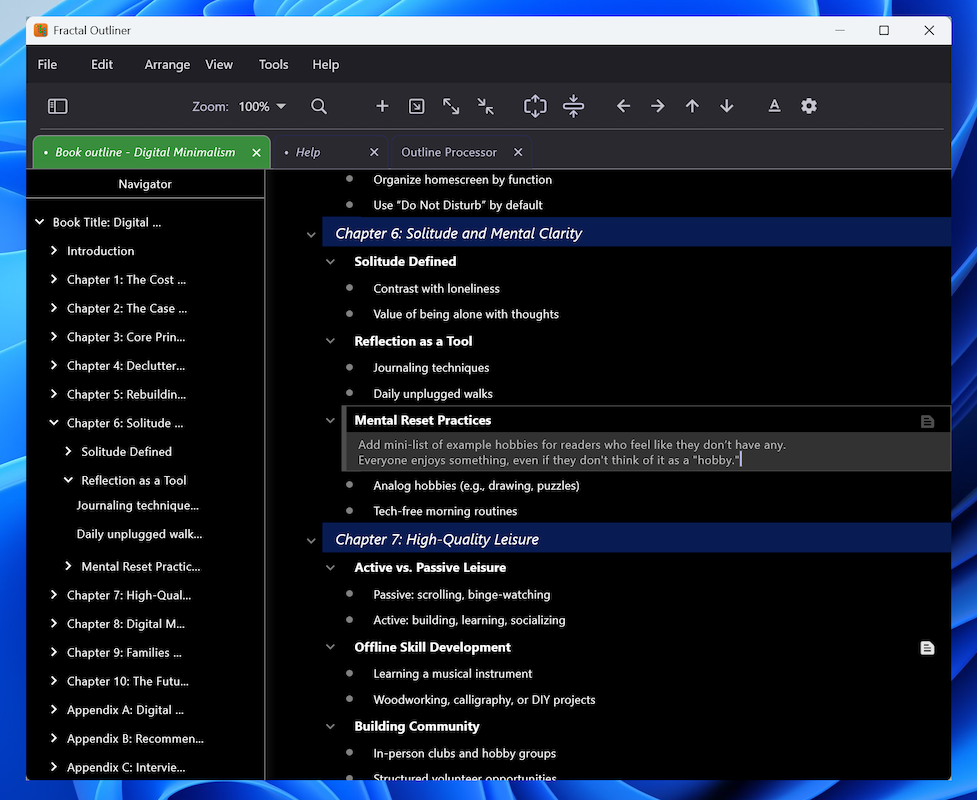
Text-first by design

No paragraph-level styling battles. No layout micromanagement. Your content remains readable, portable, and future-proof.

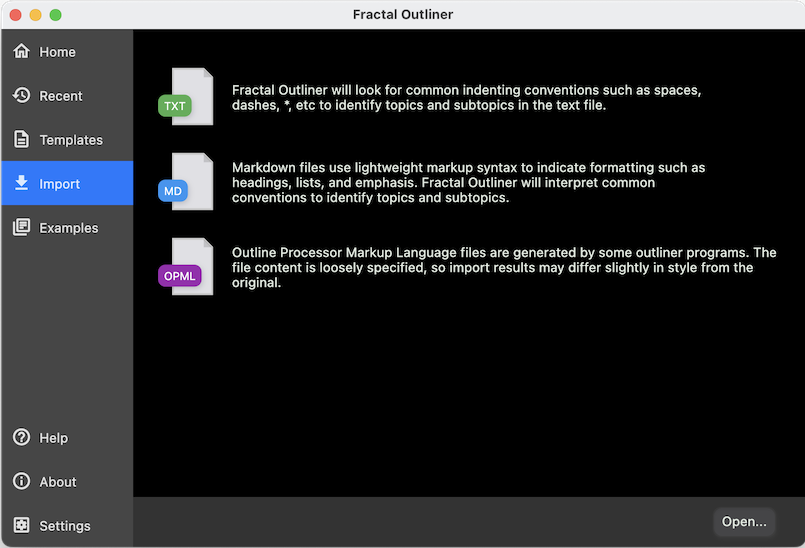
Full clipboard-paste support for structured Markdown, plain-text, and AI-chatbot responses.
Feature Screenshot
f

Fractal Outliner brings your team:


  • Cross-platform: Windows, macOS, Linux
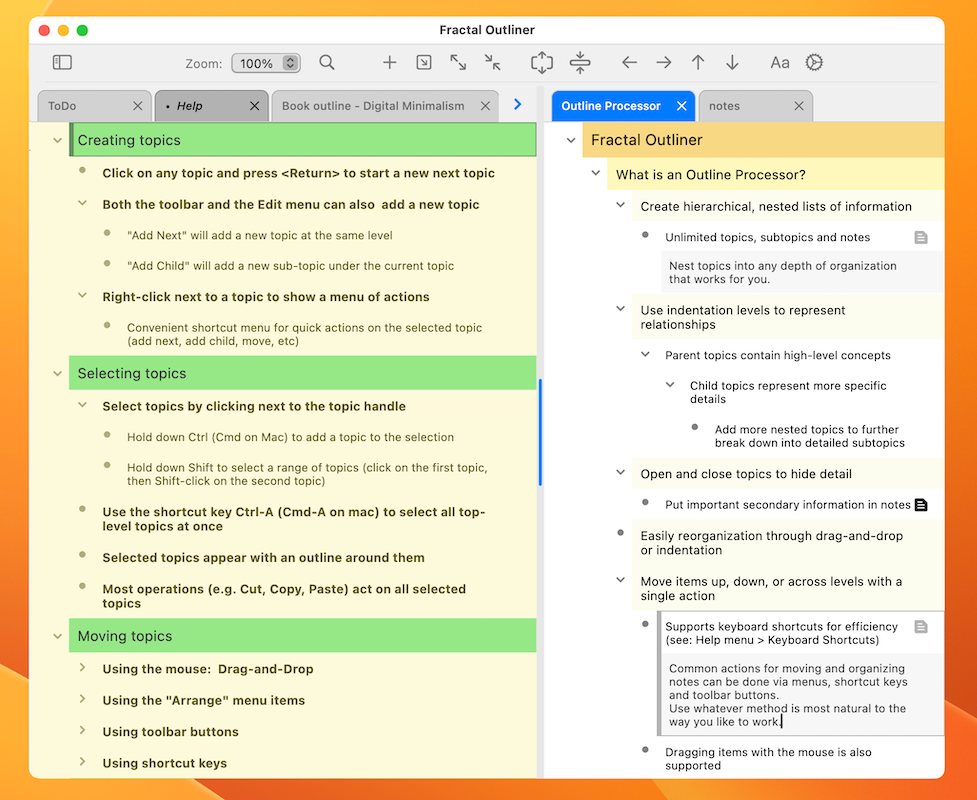
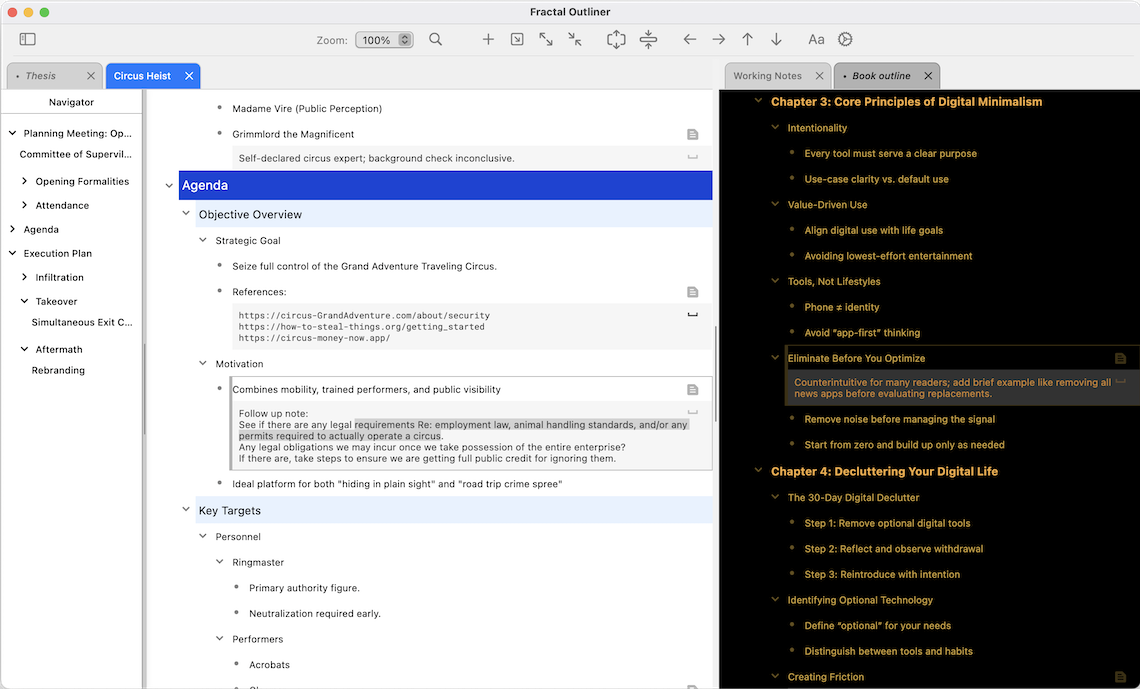
  • Multi-document tabs or unlimited side-by-side editing
  • Import/export: PDF, Markdown, HTML, Plain text, OPML
  • Option to style by viewer, instead of by document — everyone sees it their way
  • Public file format specification—your data, your control
  • Built for version control and team collaboration
  • Copy-paste AI chatbot responses, preserving full structure of the source
  • No accounts. No notifications. No data collection.

Be the First to Know When We Launch

Want to see it in action?

Watch a quick walkthrough of creating and organizing an outline from scratch.